Choosing a WordPress theme can feel like buying a car from photos: everything looks shiny… until you realize it’s uncomfortable, slow, or expensive to maintain.
This guide is for small business owners and non-technical founders who simply want a website that looks professional, works on mobile, loads fast, and doesn’t become a weekly “fix-it” project. If you’ve been searching for the best WordPress theme for small business (non-technical) and getting overwhelmed by buzzwords, you’re in the right place.
By the end, you’ll know what to check (without touching code), what to avoid, and how to choose a theme that supports real business goals: leads, calls, bookings, and trust.
The simple truth: your theme is more than “design”
A WordPress theme affects:
Mobile experience (most visitors will see your site on a phone)
Speed (which impacts conversions and Google visibility)
Trust (your website is often your first impression)
Maintenance (how often things break when WordPress/plugins update)
A great theme makes your business look credible and makes it easier for people to take action. A bad theme can quietly cost you leads and sales.
The non-technical checklist: what to look for (and how to check it fast)
1) Mobile responsiveness (must-have)
If your site looks messy on a phone, you’ll lose people instantly.
How to check (no tools needed):
Open the theme demo on your phone.
Tap around: menu, buttons, forms, contact page.
Good signs:
Text is readable without zooming
Buttons are easy to tap
Menu is clean and usable
Nothing overlaps or “breaks”
Red flags:
Tiny fonts
Buttons too close together
Layout looks “squished”
Important content disappears
2) Speed and performance (fast websites win)
A theme can be beautiful and still be a bad choice if it’s slow. Speed impacts:
how long people stay,
how many people contact you,
and how well you rank in search.
Non-technical way to judge speed:
Does the demo load quickly on mobile data?
Does scrolling feel smooth?
Does it feel heavy because of too many animations/sliders?
If a demo feels slow before you’ve added your own images and plugins, it won’t get better later.
3) SEO-friendly foundations (so Google can understand your site)
You don’t need to be an SEO expert. You just need a theme that doesn’t make SEO harder.
A good theme helps by:
Keeping page structure clean (headings make sense)
Playing nicely with SEO plugins
Supporting fast load times (speed and SEO are connected)
Quick check: if the theme is built for business sites and loads fast, you’re already starting on the right foot.
4) Updates and support (the “boring” thing that saves you later)
WordPress updates. Plugins update. Your theme should keep up.
Look for:
Recent updates
Clear documentation
Reliable support when something behaves oddly
This matters especially for non-technical owners, because you don’t want to “hire help” for small issues that a good theme + good support could solve quickly.
5) Plugin compatibility (so your site can grow)
Most small business sites need a few basics:
SEO plugin
Contact form
Performance/caching plugin
Security plugin
Ecommerce (optional)
Red flag: A theme that requires a long list of “required plugins” just to look like the demo. You want a theme that’s functional and clean first, then you add what you need.
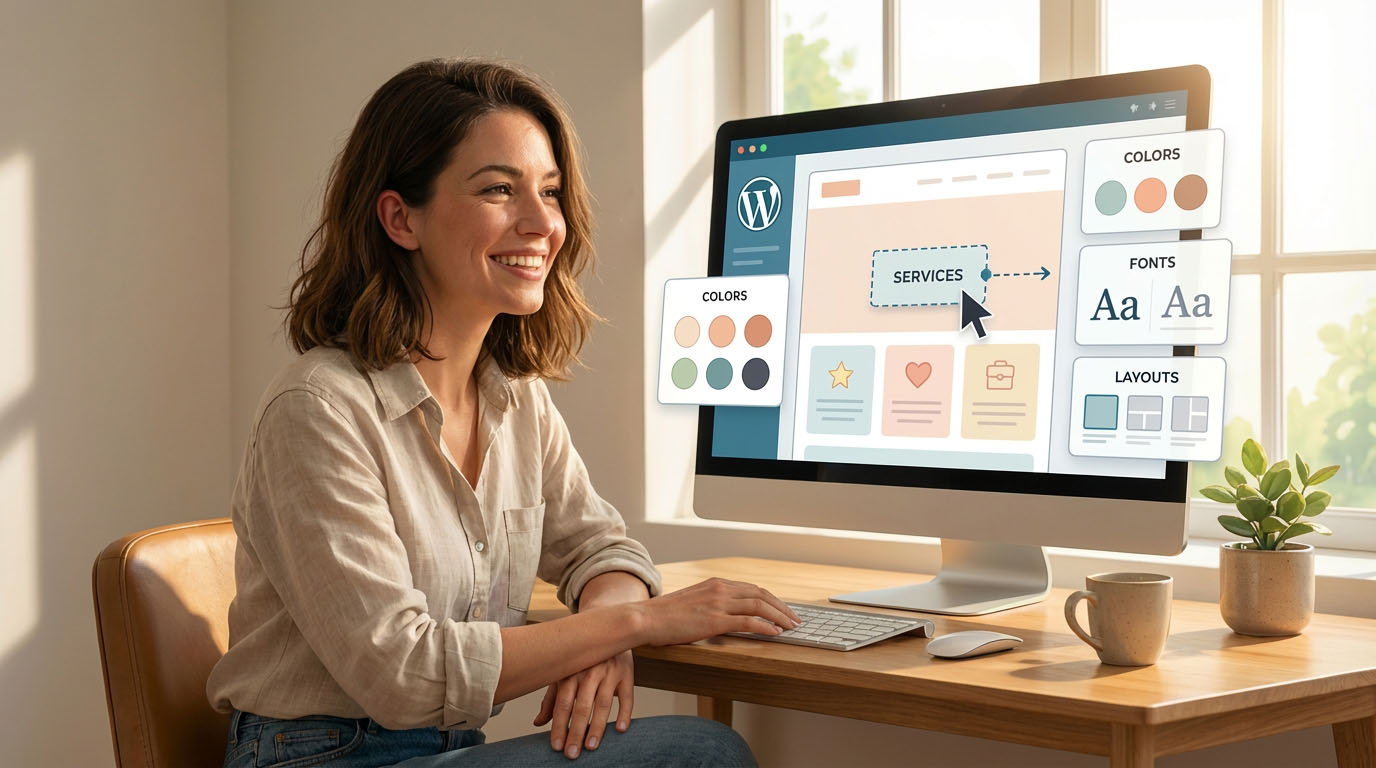
6) Customization that doesn’t turn into a full-time job
A strong theme should make it easy to:
change colors and fonts,
update headers/footers,
build pages from ready sections (services, testimonials, FAQs),
and keep everything consistent.
Avoid themes where everything is hidden behind confusing panels or the demo looks great but becomes hard to edit once you start changing content.
7) A design that matches your business goal (not just what’s trendy)
For most small businesses, the best design is:
clear, not complicated
trustworthy, not flashy
focused on action: call, book, request a quote, buy, contact
Your website’s job is not to entertain. It’s to help a visitor quickly understand:
what you offer,
who it’s for,
why they should trust you,
and what to do next.
Common mistakes non-technical founders make
Mistake #1: Choosing a theme based only on the homepage
Look at inner pages too:
Services
About
Contact
Blog (if you’ll publish content)
Mistake #2: Buying a “mega theme” with too many features
More features often means:
more complexity,
more plugins,
and more maintenance.
Mistake #3: Ignoring support and updates
A theme is a long-term tool. If it’s not maintained, it can become unstable over time.
Quick decision process (5 minutes, seriously)
If you want a simple workflow:
Pick 2–3 themes that match your industry style
Open demos on your phone (mobile test)
Check inner pages (Services, About, Contact)
Choose the theme that feels fastest + clearest
Make sure it has active support/docs
This avoids overthinking and puts you in “launch mode.”
Theme recommendation matrix (AnpsThemes)
Here’s a practical way to match your business type to a theme style.
| Your business type / goal | Best-fit style | Suggested AnpsThemes theme |
|---|---|---|
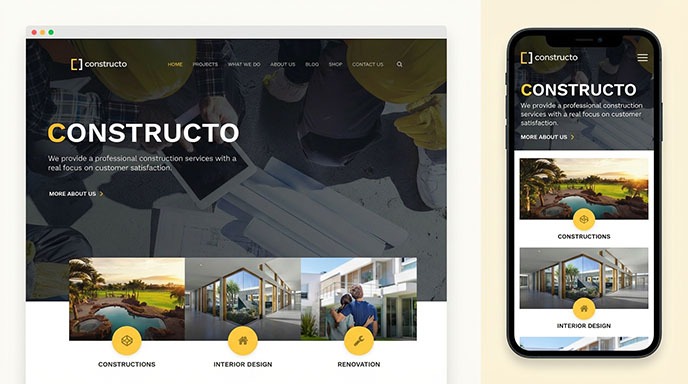
| Construction, contractors, renovation | Projects + quote focused | Constructo |
| Industrial, manufacturing, engineering | Strong credibility + case studies | Industrial |
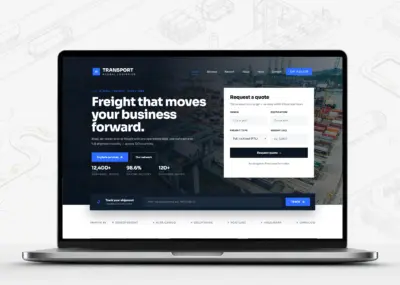
| Transport, logistics, delivery | Services + trust sections | Transport |
| Accounting, finance, consulting | Clean, trust-first, conversion focused | Accounting |
| Startup, SaaS, agency, modern services | Modern layout + strong CTAs | iStart |
| Dental/medical clinics | Trust + appointments + services | iDent |
| Therapy, psychology, mental health clinics | Calm, patient-friendly structure | Psychiatrist |
| Limo / chauffeur / car rental | Fleet/services + premium feel | Limo Rent |
If you’re still unsure which theme to choose, Constructo is a safe and proven choice for many small business owners, especially in construction and service industries.
👉 Buy Constructo on ThemeForest
What pages your theme should make easy (for most small businesses)
Even if you’re not marketing-focused, these pages matter:
Homepage: clear offer + clear next step
Services: what you do, in plain language
About: credibility, story, experience, team
Contact: form + phone + map/hours (if relevant)
Testimonials/Reviews: trust booster
Portfolio/Projects: if your work is visual
A theme is “right” when these pages feel natural to build and easy to understand.
Final takeaway: the best theme is the one that helps people take action
If you want the best WordPress theme for small business (non-technical), prioritize:
mobile-first design
fast performance
SEO-friendly structure
reliable updates + support
plugin compatibility
easy customization
a layout that fits your business goal
You don’t need the theme with the most features. You need a theme that gets you live quickly and helps visitors trust you and contact you.