Hiring a WordPress developer should make your website project easier, not more confusing. But many projects lose time before the real work even starts. In most cases, the reason is simple: the developer does not have enough clear information.
A good brief does not need to be long. It also does not need to be full of technical words. It only needs to explain what you need, what is already prepared, and what the developer should focus on first.
When the brief is clear, the developer can estimate the work faster, ask better questions, and avoid wrong assumptions. That means fewer delays, fewer revisions, and a smoother project for both sides.
Here are the 10 details you should include when briefing a WordPress developer.
1. Explain the main goal of the website
Before you talk about design, plugins, or pages, explain the main goal of the website. This gives the developer a better understanding of what really matters.
For example, do you want to generate more leads? Sell products? Present your services? Publish articles? Collect bookings? Build trust for your company?
This detail is important because different goals need different decisions. A website built for lead generation may need strong calls to action and simple contact forms. An online shop needs a clear product structure and a smooth checkout. A service website needs trust, examples, and easy contact options.
When the developer understands the goal, the whole project has a clearer direction.
2. Describe what type of WordPress work you need
Not every WordPress project is the same. Some clients need a new website. Others need small fixes, redesign work, Elementor changes, WooCommerce setup, speed improvements, or help with a theme.
So instead of only saying “I need help with my WordPress website,” try to be more specific.
- I need a new website built with WordPress.
- I need help customizing a WordPress theme.
- I want to redesign my homepage.
- I need WooCommerce added to my existing website.
- I need someone to fix layout problems on mobile.
This helps the developer understand the scope much faster. It also helps avoid confusion later, especially when a project starts as “a few small changes” but actually includes many different tasks.
3. List the pages you need
One of the easiest ways to make a brief clearer is to list the pages you want on the website.
Common pages include Home, About, Services, Contact, Blog, Portfolio, Pricing, FAQ, and Testimonials. If you need landing pages, product pages, or custom pages, include those too.
You do not need to know the final structure perfectly. But even a simple page list gives the developer a better idea of the project size.
For example, a five-page company website is very different from a website with 20 service pages, a blog, WooCommerce, and multilingual content.
If you already use one of our WordPress themes, you can also mention which demo or layout you want to use as a starting point.
4. Say if the content is ready
Content is one of the most common reasons for delays in WordPress projects. The design may be ready, the developer may be ready, but the project stops because texts, images, or logos are missing.
So be clear about what you already have.
Do you have final text for each page? Do you have images? Do you have a logo? Do you have brand colors? Do you have testimonials, team photos, videos, or PDFs?
If the content is not ready yet, that is fine. But the developer should know this early. In that case, they can use placeholder content, prepare the structure first, or suggest what content is needed for each section.
5. Share examples of websites you like
Design is much easier to understand with examples. You can write “modern,” “clean,” or “professional,” but those words can mean different things to different people.
That is why it helps to send two or three websites you like. They do not need to be from your industry. You can share them because you like the layout, colors, typography, homepage structure, or general feeling.
Also, explain what you like about each example. For example: “I like the simple hero section,” “I like the service cards,” or “I like how clear the pricing page is.”
This saves time because the developer does not need to guess your style.
6. Explain the required features
Pages are only one part of a WordPress website. Features are just as important.
Do you need contact forms, newsletter signup, booking, WooCommerce, payments, membership, multilingual support, custom post types, filters, search, maps, or integrations with other tools?
Features can affect the price, timeline, plugins, and technical approach. For example, a simple contact form is usually quick. But a booking system with payments, email notifications, and custom rules takes more planning.
It is better to mention all important features at the beginning, even if some of them will be added later.
7. Tell the developer what is already installed
If you already have a WordPress website, explain what is currently installed and used.
This can include your theme, page builder, important plugins, WooCommerce, caching plugin, multilingual plugin, security plugin, or any custom code.
This detail helps the developer avoid surprises. For example, editing a website built with Elementor is different from editing a website built with WPBakery, Gutenberg, or a custom theme.
If you are using an AnpsThemes product and need help with setup or customization, you can also check our Monthly WordPress Support service.
8. Prepare the right access details
A developer cannot start properly without access. But you should also avoid sending more access than needed.
In most cases, the developer may need WordPress admin access. For deeper technical work, they may also need hosting, FTP or SFTP, database, domain/DNS, email service, Stripe, PayPal, Google Analytics, or Google Search Console access.
If you are not sure which role to create inside WordPress, you can read more about WordPress roles and capabilities on the official WordPress.org documentation.
A good practice is to create a separate user account for the developer instead of sharing your own login. This keeps things cleaner and safer.
9. Be clear about the deadline and priorities
Deadlines matter, but priorities matter even more.
If everything is urgent, it becomes harder to decide what should be done first. Instead, explain what must be finished before launch and what can wait.
For example, maybe the homepage, service pages, and contact form are required for launch. But blog styling, extra animations, or small design improvements can be done later.
This helps the developer focus on the work that has the biggest impact first. It also makes the project easier to manage if the deadline is close.
10. Decide who gives final approval
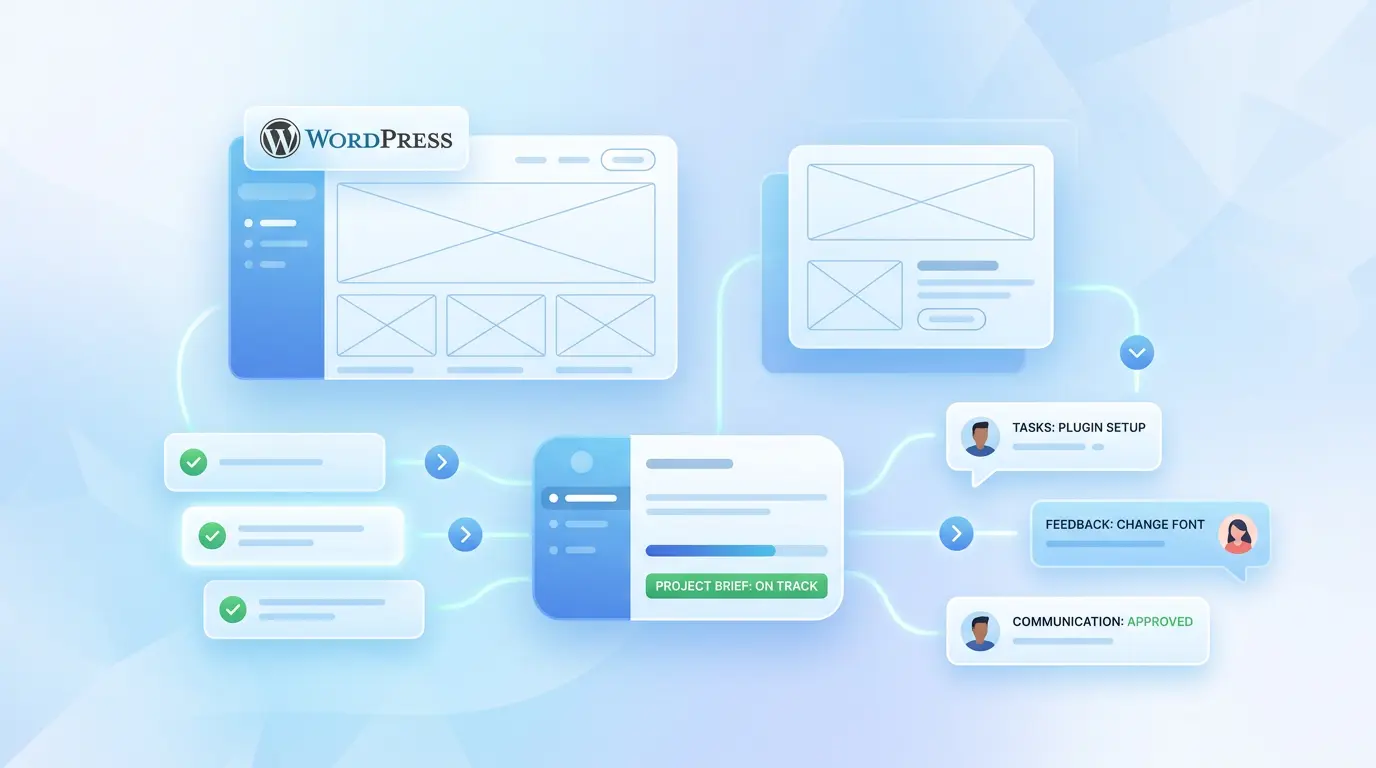
Another common reason for delays is unclear feedback. One person likes the design. Another person wants changes. A third person joins the project later and has a different opinion.
Before the project starts, decide who gives final approval. This does not mean other people cannot give feedback. But one person should collect the feedback, make decisions, and confirm what should be changed.
This makes communication much smoother. It also helps avoid repeated revisions and mixed instructions.
A simple WordPress brief is enough
You do not need a perfect document to start a WordPress project. You only need clear information.
If you explain your goal, pages, content, features, access, deadline, and approval process, the developer can understand the project faster. More importantly, they can avoid wrong assumptions.
A clear brief saves time for both sides. It helps the developer prepare a better estimate. It helps you get a better result. And it makes the whole project feel less stressful.
If you are planning a new website, redesign, or theme customization, AnpsThemes can help with WordPress themes, setup, and ongoing website work. You can explore our Managed WordPress Websites service if you want a more complete solution handled for you.
Final thought
The best WordPress projects usually start with simple but clear communication. A good brief does not need to answer every technical question. It only needs to give the developer enough direction to start the right way.
Before you contact a developer, take a little time to prepare these 10 details. It can prevent delays, reduce confusion, and help your website project move much faster.