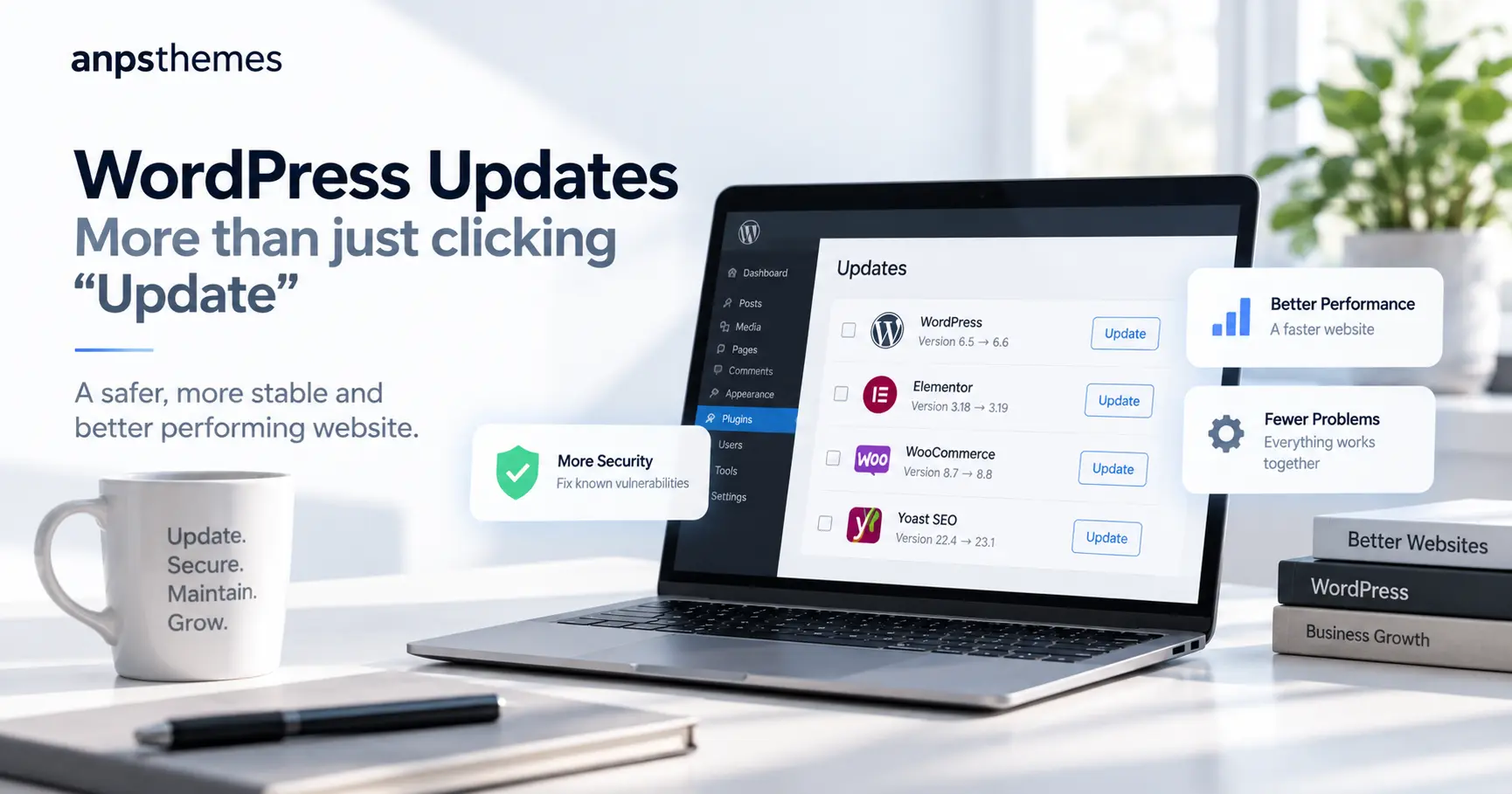
Keeping WordPress, your theme and plugins updated sounds simple.
You log in to WordPress, see a few update notifications and click Update.
Sometimes that is all it takes.
But on a business website, updates can also create problems. A plugin can stop working with another plugin. A theme can contain older code. WooCommerce can change something in the checkout. A form can look normal but stop sending emails.
There is also another important reason to keep your website updated: security.
Older versions of WordPress, themes and plugins can contain known security problems. If those problems are not fixed, your website can become an easier target for attackers.
This is why a proper WordPress update is not only about installing the newest versions.
It is about making sure your website stays working, compatible and secure.
Why WordPress updates matter
Most WordPress websites are built from several different parts:
- WordPress itself
- a theme
- page builders such as Elementor
- WooCommerce
- contact form plugins
- SEO plugins
- payment plugins
- caching and performance plugins
- many smaller plugins
All of these are developed by different companies.
They are updated at different times.
An update to one part of the website can sometimes affect another part.
If your website has not been updated for several months — or even years — the risk becomes bigger because you may need to update many components at the same time.
Older software can also contain security vulnerabilities that are already known publicly. Once a vulnerability is known, attackers may actively look for websites that are still running the affected version.
What can actually go wrong?
Here are some common examples of problems that can appear on WordPress websites.
1. The website looks fine, but the contact form does not work
Imagine that a customer visits your website and sends an enquiry.
They see:
“Thank you. Your message has been sent.”
But the email never arrives.
The website looks completely normal, so you may not notice the problem for weeks.
After updating WordPress and the form plugin, we therefore do not only check whether the page loads. We also check whether important website functions still work.
For a business website, one missed enquiry can already cost more than maintaining the website properly.
2. WooCommerce checkout stops working correctly
An online shop depends on several connected systems.
For example:
WooCommerce → payment gateway → shipping → tax → emails → order management
A change in WooCommerce can sometimes expose an outdated payment, shipping or theme integration.
The homepage may still work perfectly.
Product pages may also work.
But customers can have a problem when they try to pay.
That is why an update of an online shop should include checks of the important buying process, not only the WordPress admin area.
3. A plugin is too old for the new WordPress version
Plugins are not always maintained forever.
Sometimes a website contains a plugin that has not received an update for years.
Everything may still work today.
But after a larger WordPress or PHP update, that plugin can start producing errors.
In this situation, simply pressing Update All is not enough.
We first need to understand what the plugin does and whether it can still be used safely.
Sometimes it needs to be replaced.
Sometimes a small compatibility fix is enough.
And sometimes it is better not to update one part of the system until another problem is solved.
4. An old plugin or theme creates a security risk
This is one of the most important reasons not to leave updates waiting for too long.
Older versions of plugins, themes or WordPress itself can contain security problems.
If an attacker finds a way to use one of those problems, they may be able to:
- add malicious code to the website
- redirect visitors to another website
- create hidden spam pages
- send spam from your server
- change website files
- create unauthorized administrator accounts
- steal or expose website data
- take the website offline
In some cases, the website can be infected with malware without the owner noticing immediately.
The website may still appear to work normally while malicious files are running in the background.
This can become much more expensive than a normal update. Instead of simply updating the website, you may need malware removal, file cleanup, password changes, hosting support and a full security review.
Updating does not guarantee that a website can never be hacked, but keeping WordPress, themes and plugins current removes many known security problems and reduces unnecessary risk.
5. Elementor updates and a page suddenly looks different
Page builders such as Elementor are used on millions of websites and are updated frequently.
Most updates work without problems.
But websites often contain additional Elementor addons, custom widgets or theme-specific elements.
After an update, you may notice that:
- spacing changed
- a section disappeared
- a slider stopped working
- the mobile layout looks wrong
- icons are missing
- a button or other interactive element no longer works
This does not necessarily mean Elementor itself is broken.
It can be a compatibility problem between Elementor, the theme and another plugin.
Finding and fixing that difference is part of the work.
6. The website is still using an old PHP version
WordPress runs on PHP.
Hosting companies regularly introduce newer PHP versions, while older versions eventually stop receiving support.
A newer PHP version can improve performance and security.
But an older WordPress theme or plugin may contain code that does not work correctly with the newer version.
This is especially common with websites that have been online for many years without regular maintenance.
Before changing PHP, it is important to know whether the website is ready for it.
7. Everything works except one small but important feature
Some update problems are obvious.
Others are very small.
For example:
- a menu does not open on mobile
- a newsletter popup no longer appears
- Google Maps does not load
- a booking button does nothing
- a translation disappears
- a product variation cannot be selected
- a search filter stops responding
The website is technically “online.”
But part of the business process is broken.
That is why testing after the update matters.
So what are you actually paying for?
You are not paying someone to click an update button.
You are paying to reduce the risk of something going wrong with your website.
A proper update process can include:
- checking the current WordPress setup
- checking available WordPress, theme and plugin updates
- making sure a backup is available before important changes
- updating WordPress
- updating plugins
- updating the theme when required
- checking for compatibility problems
- checking for outdated or unsupported plugins
- reviewing important pages after the update
- checking important website functions
- identifying plugins or components that may need additional work
The exact work depends on the website.
A small company website with five plugins is very different from a WooCommerce shop with 30 plugins, custom code and several integrations.
This is also why we review the website before confirming more complicated update work.
“But my website works. Why should I touch it?”
This is a common question.
And it is understandable.
If the website works today, updating it can feel unnecessary.
The problem is that software does not stay unchanged around your website.
- WordPress changes.
- Browsers change.
- PHP changes.
- Payment providers change.
- Third-party services change.
- Plugins change.
- Hosting environments change.
- new security vulnerabilities are discovered.
Leaving everything untouched does not mean that the environment around your website stays untouched.
A website can continue to look fine while its software becomes older and more exposed to compatibility or security problems.
The longer updates are postponed, the larger the jump can become later.
Updating a website after three months is usually easier than updating the same website after three years.
Regular updates are usually easier than emergency repairs
There is another important difference.
When you plan an update, you can create a backup, check the website and deal with problems before they affect customers.
When the website suddenly stops accepting orders, starts showing an error or becomes infected with malware, the situation is different.
Now the problem is urgent.
Customers may already be affected.
You may be losing enquiries or sales while somebody is trying to find the problem.
If the website has been hacked, the work can also involve cleaning infected files, checking user accounts, changing passwords, finding the original security problem and making sure the attacker cannot simply return.
The goal of maintenance is not to guarantee that a WordPress website will never have a problem.
No developer can honestly promise that.
The goal is to reduce the risk and catch problems before they become expensive.
Has your WordPress website been waiting for updates?
If you have a long list of available WordPress and plugin updates but you are worried that clicking Update could break something, we can handle it for you.
Our WordPress Update Service starts from $129.
We can review your current setup, update WordPress and your plugins, check for compatibility problems and verify that the important parts of your website still work after the update.
We can also identify outdated or unsupported components that may create additional compatibility or security risks.
More complex websites, WooCommerce shops, outdated themes, custom code or websites that have not been maintained for a long time may require additional work. We will let you know before doing anything outside the agreed scope.
Request a WordPress Updhttps://anpsthemes.com/contact/ate — from $129
Not sure if your website needs an update?
You do not need to know which plugin is causing a problem or which parts of your website are outdated.
Send us your website and we can take a quick look first.
Our free website review is a simple first step if you are not sure what your site needs.
We can look at the current website and point out the most important areas that may need attention, including visible problems, outdated components and obvious security concerns.
There is no need to commit to a larger project just to find out where you stand.
Claim Your Free Website Review
Your website should not stay outdated simply because you are afraid that clicking Update might break it.